
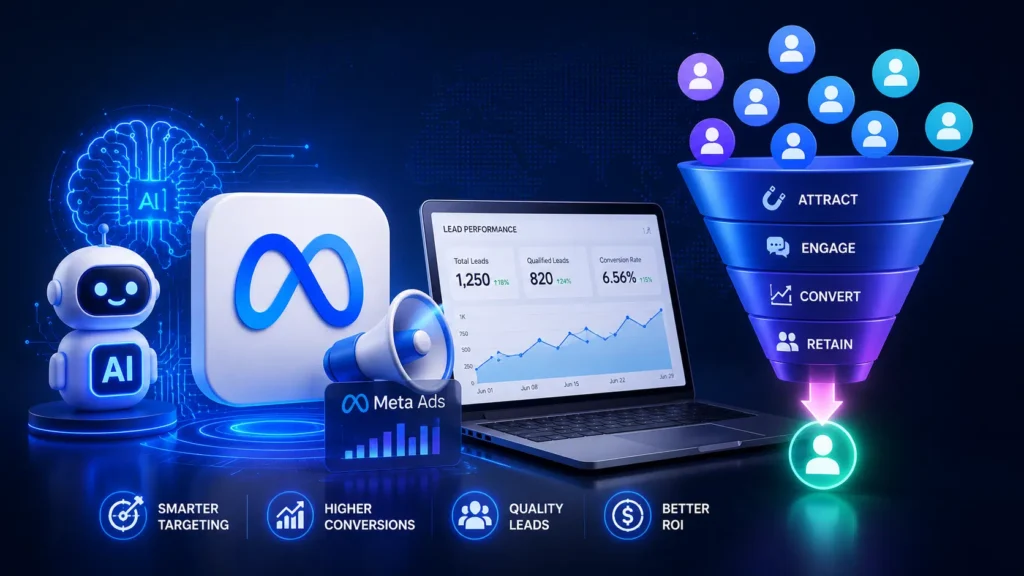
How to Generate High-Quality Leads Using AI and Meta Ads
Every business owner wants the same thing from digital marketing: leads that actually convert, not just clicks that drain the ad budget. As a **freelance digital marketer in Thrissur**, I’ve seen firsthand how combining Artificial Intelligence with Meta Ads (Facebook and Instagram) can completely transform the quality of leads a business receives. Gone are the days of guessing your audience or manually testing ad creatives for weeks. Today, AI tools work alongside Meta’s ad platform to identify the right people, predict their behavior, and deliver ads that feel personal rather than promotional. In this blog, I’ll break down exactly how you can use AI and Meta Ads together to generate leads that are more likely to become paying customers.
## Why “High-Quality” Leads Matter More Than Quantity
Before diving into strategy, it’s important to understand the difference between a lead and a *quality* lead. A high volume of form submissions means nothing if none of those people are genuinely interested in buying. Quality leads are:
– Actively searching for or interested in your product/service
– Within your target demographic and budget range
– More likely to respond to follow-ups
– Closer to a buying decision
AI helps filter out the noise so your ad spend goes toward people who matter.
## Step 1: Use AI for Smarter Audience Research
Meta Ads gives you targeting options, but AI tools can sharpen that targeting significantly. Instead of relying on broad interest categories, AI-powered research tools analyze:
– Customer behavior patterns from your existing data
– Competitor audience overlaps
– Trending interests within your niche
– Predictive buyer intent signals
Tools like ChatGPT or Claude can help you build detailed buyer personas in minutes, while Meta’s own AI (Advantage+ Audience) uses machine learning to find people who resemble your best existing customers — often better than manual targeting ever could.
## Step 2: Let AI Write and Test Ad Copy
One of the biggest advantages of AI in advertising is speed. Instead of spending hours drafting ad copy, AI tools can generate multiple variations instantly, allowing you to A/B test faster.
– Generate 5–10 headline variations focused on different pain points
– Create short-form and long-form copy to test which performs better
– Use AI to rewrite copy in different tones (urgent, friendly, professional)
– Identify the strongest call-to-action phrases based on performance data
The key is testing continuously. AI removes the guesswork by helping you produce more variations without burning out creatively.
## Step 3: Use Meta’s Advantage+ Campaigns
Meta has heavily invested in AI-driven ad delivery through Advantage+ Shopping and Advantage+ Lead campaigns. These use machine learning to:
– Automatically adjust targeting based on real-time performance
– Optimize ad placement across Facebook, Instagram, Messenger, and Audience Network
– Allocate budget toward the best-performing ad sets automatically
– Reduce cost-per-lead over time as the algorithm learns
For businesses without a large in-house data team, this is essentially free access to enterprise-level optimization.
## Step 4: Optimize Creative with AI-Generated Visuals
Visual content plays a huge role in lead generation. AI design tools like Canva’s Magic Studio or Adobe Firefly allow you to:
– Generate scroll-stopping visuals without hiring a designer
– Create multiple ad creative variations quickly
– Resize designs automatically for different placements (Stories, Reels, Feed)
– Test video vs static image performance with less production time
Since Meta’s algorithm rewards fresh creative, being able to produce variations quickly using AI keeps your ad fatigue low and performance high.
## Step 5: Use AI Chatbots for Instant Lead Qualification
Once someone clicks your ad, what happens next matters just as much as the ad itself. Integrating an AI chatbot on your landing page or Messenger can:
– Instantly respond to inquiries, increasing engagement
– Ask qualifying questions before passing leads to your sales team
– Book appointments automatically
– Reduce drop-off from slow response times
This ensures that by the time a lead reaches a human, they’re already warmed up and pre-qualified.
## Step 6: Analyze and Retarget with AI Insights
AI doesn’t stop working after the ad is live. Use analytics tools to:
– Identify which audience segments convert best
– Spot drop-off points in your funnel
– Predict which leads are most likely to convert (lead scoring)
– Build retargeting audiences based on engagement level, not just clicks
Retargeting warm audiences — people who watched a video, visited your website, or interacted with your ad — typically produces far better conversion rates than cold audiences.
## Common Mistakes to Avoid
– **Ignoring the learning phase**: Meta’s algorithm needs time (usually 3–7 days) to optimize. Avoid making frequent changes during this period.
– **Overlapping audiences**: Running multiple ad sets targeting the same people can hurt performance.
– **Weak landing pages**: Even the best AI-optimized ad will fail if the landing page is slow or unclear.
– **Not tracking the right metrics**: Focus on cost-per-qualified-lead, not just cost-per-click.
## Final Thoughts
AI and Meta Ads together create a powerful combination for lead generation — but success still depends on strategy, consistent testing, and knowing your audience deeply. Tools can speed up the process, but they work best when guided by someone who understands how to interpret data and adjust campaigns accordingly. If you’re a business owner in Kerala looking to scale your online leads the smart way, working with a **freelance digital marketer in Thrissur** who understands both AI tools and Meta’s advertising ecosystem can make the difference between wasted ad spend and consistent, high-quality leads that actually grow your business.